


jPDF Tweak
A Swiss Army Knife for PDF files
Pros & Cons:
Our Review:
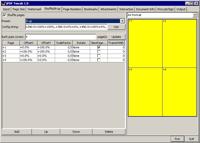
If your priority is to get the maximum number of features from a single freeware package, then jPDF Tweak will be a good choice. However, its user interface is less straightforward than other pdf tools reviewed. Its merge, split and reorder functions are available under the ‘input’ tab, and a new filename has to be entered in the ‘output’ tab.
This feature-rich program allows you to rotate, watermark and format multiple pages. You can change page numbers and chapter bookmarks. jPDF Tweak also offers encryption functions and lets you add attachments to PDF documents.
Additionally, jPDF Tweak enables you to set viewer preferences and document properties, including title, author, subject and keywords.
jPDF Tweak was reviewed by Jojo Yee on
 We are looking for people with skills or interest in the following areas: