

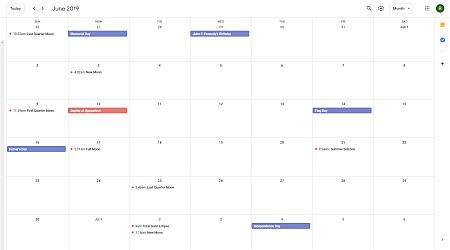
Use these 12 tricks to get more out of Google Calendar.
Google Calendar is a great tool that makes it ideal for managing and organizing schedules. These 12 tricks can make it even better. You can:
- Drag and Drop Events on Google Calendar
- Use Keyboard Shortcuts
- Get a Daily Agenda Email
- Enable and Use Tasks
- Add a Calendar
- Create a New Calendar
- Share Your Calendar
- Embed Your Calendar
- Find a Time That Works for Everyone
- Block Off Appointments
- Add Google Hangout to an Event
- Add Holidays and Other Helpful Info
- Access Calendars on Alexa and iOS
If you use Google Calendar (if you have a Google account, you can use Google Calendar) you might want to add some or all of these tricks to your repertoire.
12 Google Calendar Tricks You're Probably Not Using
(h/t Flipboard)
You can find more Tech Treats here.
 We are looking for people with skills or interest in the following areas: